My Trading Card Shop Shop Expansion Guide
Grow floor space, decorate with intent, and showcase graded cards without starving restocks in BETA.
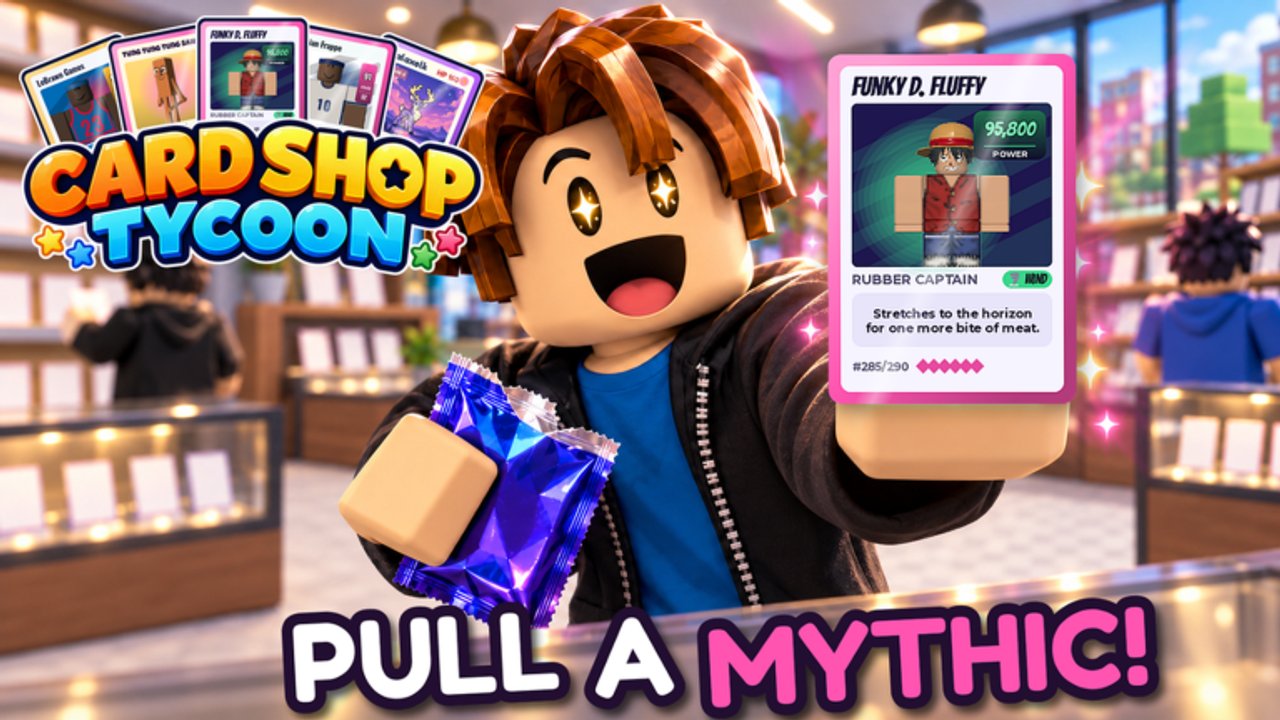
Expanding your store is the long game of My Trading Card Shop! The Roblox experience by blainemcdonalds2 is still in BETA, yet the fantasy is already retail-complete: rip themed packs, collect 8,000+ cards and figurines, stock shelves, hire help, grade chase pulls, trade duplicates, and turn a starter floor into a decorated destination players want to browse.
This guide covers when to expand vs restock, how to think about land / floor space, décor vs capacity, display cases for graded cards, and theme aisle layout after content drops (hockey and other sports waves, Anime pushes, novelty sets). Read it alongside Make Money, Hire Staff, Card Grading, and Getting Started. Keep codes redeemed at Level 2 so expansion cash is not fake scarcity.
What “expansion” means here
Growth is not one button. In practice you are balancing three investments:
- Capacity — more floor / shelf space so variety from Anime, Soccer/Football, American Football, Basketball, Baseball, Hockey, Criti’mon, Brainrot, and future themes can coexist.
- Flow — walkways, checkout access, and sightlines so customers (and co-op partners on 6-player servers) actually reach product.
- Identity — décor and display cases that say “sports museum,” “Anime boutique,” or “mixed hobby shop” instead of a storage closet with price tags.
Pretty empty shops lose to plain full shops. Capacity and stock come first; cosmetics amplify a shop that already sells.
Expand vs restock: the decision rule
Expand when
- Shelves stay full most of the session — you are space-capped, not product-starved.
- Cash sits above a comfortable restock buffer after dailies and active codes (
1KDC,2million,BETA,DC2026,3millionwhile live; ignore expired1MILLION). - Customers feel cramped, or you cannot face both a sports wall and an Anime endcap without deleting something that sells.
- You have graded showpieces waiting for cases you do not have room to place (Card Grading).
- Throughput is stable enough that Hire Staff or a friend duo can cover the till while you remodel (Friends & Co-op).
Restock / hold expansion when
- Hooks go empty every few minutes — buy product, not square footage.
- Prices are untested and margins feel random (Make Money).
- You just opened a pile of code packs and have not sorted retail bulk yet (Pack Opening).
- A décor catalog item would wipe the cash you need for tomorrow’s facing.
Rule of thumb: if the shop looks sparse from the door, restock. If the shop looks jammed and profitable, expand.
Décor vs capacity priority
| Priority | Spend on | Skip until… |
|---|---|---|
| 1 | Shelf / floor capacity that unlocks SKUs | — |
| 2 | Checkout / pathing fixes that cut lost queues | — |
| 3 | Display cases for true graded hits | You have keepers worth showing |
| 4 | Theme décor that reinforces aisle identity | Capacity and stock are stable |
| 5 | Pure vanity pieces | Surplus cash is boring |
Décor is not useless — longer browse time and clearer themes help — but it is a multiplier on a working economy, not a substitute for stocked Anime and major sports facings. When visit-milestone codes drop, pause décor, redeem first, then restock before shopping the catalog.
Display cases and graded cards
Graded cards are marketing. A case near the entrance or along a featured wall teaches walk-ins that your shop is serious:
- Reserve cases for Signature / Hot / Holo outcomes you actually graded on purpose.
- Do not fill premium glass with bulk you should have priced to move.
- Place cases where they create a path past impulse shelves, not where they block checkout.
- After grading fees, rebuild the restock buffer before buying another case cluster.
Grading strategy details: Card Grading. Trade interest in showpieces: Players.
Theme aisle layout after updates
BETA content drops change what browsers hunt. When hockey sets, new sports lines, or novelty themes land, rearrange with intent:
- Read Updates so you know what just shipped.
- Give the hyped theme a short-term endcap or aisle near traffic.
- Keep evergreen anchors (Anime + one or two major sports) visible even during the hype week.
- Hold a small Brainrot / novelty slice for fun without letting it eat the whole floor.
- Rebalance using the Tier List once the spike cools — hype aisles should not become permanent dead zones.
Think like a real hobby shop: seasonal feature table up front, staples along the spine, clearance and bulk where dedicated buyers still find them.
Expansion session workflow
- Claim daily rewards; redeem Level 2 codes if anything new appeared.
- Invite a friend when possible for ~10% extra cash on sales while you sell down inventory before remodeling.
- Restock + pricing pass — never expand on empty shelves.
- Confirm staff or co-op coverage so queues do not die mid-build (Hire Staff, Friends & Co-op).
- Buy the capacity upgrade that unlocks the SKU or pathing you actually need.
- Place graded display pieces, then light décor that matches the aisle story.
- Immediate post-expand restock — new empty wood sells nothing.
- Screenshot the floor; note choke points for the next session.
Co-op remodeling tips (server size 6)
Small servers mean you will not get a twelve-person construction crew. Use the intimacy:
- One player sells / cashiers under the friend bonus.
- One player places shelves and cases.
- Optional third handles restock of the new facings.
- Keep chat clear: “selling first, then expand” beats three people dragging décor through a rush.
Solo? Hire coverage first if queues already slip, then remodel in short bursts between restocks.
Common expansion mistakes
- Expanding a barren shop because the upgrade looked shiny.
- Spending the entire code windfall on décor before restocking.
- Blocking checkout with display cases.
- Building five theme corners and stocking none of them deeply.
- Ignoring hockey / new-theme demand the week it drops, then overcorrecting forever.
- Grading junk to “fill cases” instead of waiting for real hits.
- Remodeling during peak friend-bonus minutes instead of selling first.
Where to go next
- Make Money — cash rules that fund square footage.
- Hire Staff — coverage while you remodel.
- Friends & Co-op — duo sell-then-build sessions.
- Card Grading — what deserves a case.
- Pack Opening — feed shelves after new space opens.
- Guides Hub and Wiki — index and overview.
Grow when the floor is full and profitable, decorate to tell a theme story, and let graded cases advertise your best pulls. That is how a BETA starter room becomes a shop players remember — and keep buying from — in My Trading Card Shop!
Frequently Asked Questions
Quick answers to the most common questions.
When should I expand my My Trading Card Shop store?
Expand when shelves stay full, you keep a restock cash buffer, and space is limiting variety or customer flow. Restock first if the shop looks empty.
Should I buy décor or more shelf space first?
Prioritize capacity and pathing first, then display cases for real graded hits, then theme décor. Vanity pieces come last when surplus cash is boring.
Where should graded display cases go?
Near entrances or featured walls where they pull browsers past impulse shelves — never blocking checkout. Fill them with intentional grades, not bulk.
How do theme updates change my layout?
Give hyped themes (like new hockey sets) a temporary endcap, keep Anime and major sports anchors visible, then rebalance with the tier list when hype cools.
Should I remodel during a friend session?
Sell first under the ~10% sales cash bonus, then remodel with one player building while another covers the till on the 6-player server.