My Trading Card Shop Scripts & Automation
Feature lists, loadstring usage notes, and honest safety warnings for BETA shop automation.
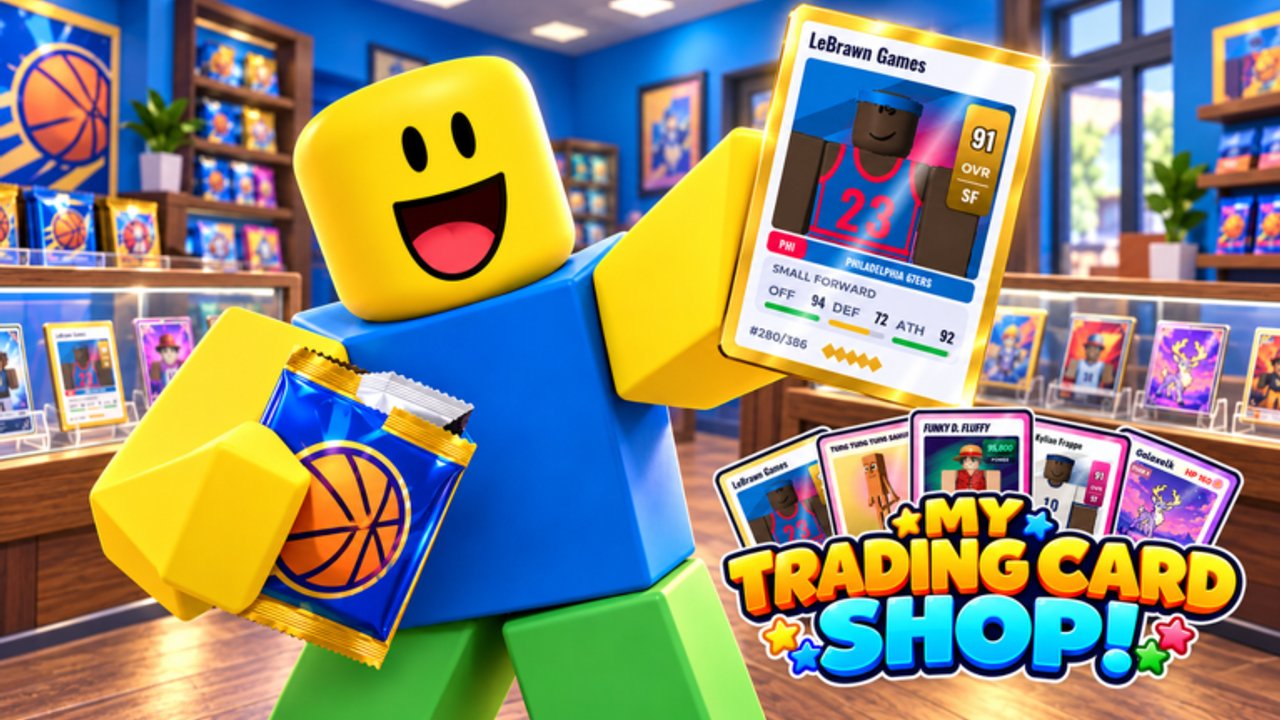
Some players look for My Trading Card Shop scripts to automate checkout, restocking, pricing, pack opening, and grading while the experience is still in BETA. This hub explains what popular script menus claim to do, how people typically load them, and why automation always carries account risk. Nothing here is an official feature from developer blainemcdonalds2 — Roblox can ban accounts that violate the Terms of Use, and third-party tools break without notice after patches.
If you are new to the economy, learn the manual loop first: Getting Started, Make Money, pack opening, and card grading. Scripts cannot replace knowing fair prices, which themes sell, or when a grade fee is worth it. Use the Tier List Hub for pack and shop priorities before you even consider automation.
Safety disclaimer (read this first)
- Scripts can risk account bans, suspensions, or lost progress.
- Loaders may stop working after any update; BETA patches are frequent.
- Never paste unknown links from random chats. Malicious loaders steal cookies and sessions.
- Do not share your Roblox password, backup codes, or
.ROBLOSECURITYcookie with anyone or any “script helper.” - This wiki does not encourage rule-breaking. We document what circulates so you understand features and risks — play legitimately whenever you can.
- Prefer official systems: codes, daily rewards, friend cash bonus, and smart stocking.
If you continue, you accept that executors are third-party software outside Roblox support.
Barrage Hub (common feature set)
One menu players discuss for this game is Barrage Hub. Typical loadstring pattern:
loadstring(game:HttpGet("https://barrage.cc/loader"))()Reported feature highlights for My Trading Card Shop–style automation:
- Auto Checkout — rings up waiting customers so sales keep flowing while you manage other tasks.
- Auto Restock — refills empty shelves from inventory so the floor rarely goes bare.
- Auto Price — applies pricing rules across stock (still review margins; bad auto-prices can undercut profits).
- Auto Open Packs — opens queued packs for album and inventory fills.
- Auto Grade — sends eligible cards through grading without manual clicks.
- Hire employees — accelerates staffing when the shop unlock allows it.
- Expand property — helps push expansion purchases when cash thresholds are met.
Feature names and availability change when the loader updates. Always open the menu in a private test mindset, confirm toggles one at a time, and turn everything off if the shop UI desyncs. After a major BETA patch, expect to re-check every toggle — auto systems that touch pricing and grading can waste fees if they fire on the wrong cards.
How people generally use script menus
- Join My Trading Card Shop on Roblox with an account you are willing to risk.
- Attach a third-party executor (itself a Terms risk) and wait until the shop fully loads.
- Paste the loadstring into the executor and run it.
- Wait for the hub GUI. Enable one feature first (for example Auto Restock) and watch behavior for several minutes.
- Add Auto Checkout only after restock looks stable, then consider pricing aids.
- Keep Auto Grade off until you understand grading fees and wait times — blind grading burns money.
- Disable everything before trading with others or handling high-value cards so you stay in control.
If the loader errors, the domain may be down, your executor may be outdated, or the game build may have changed. Do not spam retries with alternate “cracked” loaders from unverified posts.
Smarter than scripts: legitimate multipliers
Before relying on automation, stack systems the game already gives you:
- Redeem every active string on the Codes Hub once you hit Level 2.
- Play with friends for 10% extra cash on sales.
- Claim daily rewards every session.
- Stock themes customers actually buy; see pack and shop tiers on the tier list.
- Open Signature / Hot / Holo packs with a plan via pack opening.
- Price using the guidance in Make Money instead of random undercuts.
- Trade duplicates carefully through the Players hub mindset — complete albums and climb boards without shady middlemen.
These habits survive patches. Scripts often do not.
When automation goes wrong
Common failure modes during BETA:
- Auto Price sets commons too low and rare hits too high, so shelves stall.
- Auto Open dumps every pack including ones you meant to save for events.
- Auto Grade spends fees on cards that will never display well.
- Auto Checkout desyncs when the server lags, leaving ghost customers.
- Expansion macros buy upgrades out of order and strand your cash.
If any of that happens, turn the hub off, rejoin, and repair stock manually. Check Updates for known BETA issues and use the in-game Feedback Mailbox for legitimate bugs — do not report script breakage to the developer as a game defect.
Alternatives and wiki pathing
Most players never need scripts to enjoy the loop: open packs → collect cards and figurines → stock shelves → set prices → ring up customers → expand and decorate. With 8,000+ collectibles across Anime, sports themes, Criti’mon, Brainrot, and more, the fun is curation and shop craft. Use this Scripts Hub only as a risk-aware reference, then return to guides that make you better at the game itself.
Related reading: wiki overview, Getting Started, Make Money, Codes, Tier List, and Updates.
Frequently Asked Questions
Quick answers to the most common questions.
Are My Trading Card Shop scripts safe?
No script is fully safe. Executors and loadstrings can ban your account, steal sessions, or break after updates. Prefer codes, daily rewards, and manual shop play whenever possible.
What does Barrage Hub automate?
Players report Auto Checkout, Auto Restock, Auto Price, Auto Open Packs, Auto Grade, hiring employees, and property expansion. Features change when the loader updates.
Will scripts work after a BETA update?
Often not immediately. Patches frequently break offsets and UI hooks. Wait for loader updates and re-test toggles one at a time.
Can I get banned for using scripts?
Yes. Automating gameplay can violate Roblox rules. Use alt accounts only if you accept losing them, and never share main-account credentials.
Is there a legit way to speed up the shop?
Yes — redeem codes at Level 2, play with friends for a 10% sales bonus, claim dailies, price smarter, and follow the Make Money and tier list guides.