My Trading Card Shop BETA Updates & Patch Notes
Visit milestones, theme drops, and how to report bugs while the shop stays in active development.
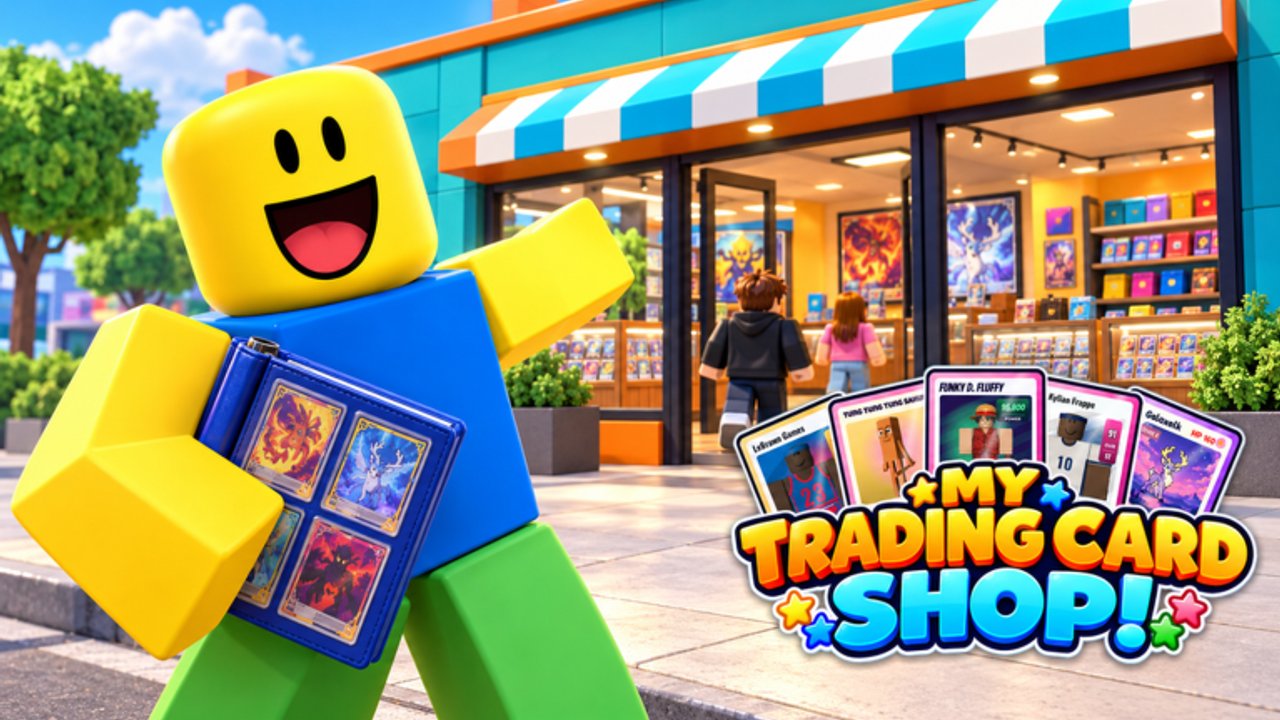
My Trading Card Shop! is still in BETA on Roblox, built by blainemcdonalds2. That means systems, pack themes, and promo codes can change quickly as visits climb past 3.4 million and the community keeps requesting features. This Updates Hub explains what “still in development” means for your shop, how visit-milestone codes usually appear, what recent theme pushes (including hockey-focused drops) imply for stocking, and how to send useful bug reports through the Feedback Mailbox.
For live redeem strings, always cross-check the Codes Hub. Strategy pages like Getting Started, Make Money, Pack Opening, Card Grading, and the Tier List are updated when economy-facing changes land.
What BETA status means for players
- UI buttons (including Settings / code entry) may move between sessions.
- Pack SKUs, theme weighting, and grading fees can be tuned without a long patch manifesto.
- Scripts and third-party menus break often — see Scripts before blaming the game.
- Milestone thank-you codes appear in the official game description and expire or rotate.
- Co-op bonuses (about 10% extra cash with friends) remain a core social hook even while systems iterate.
Play the live build, not last week’s memory. If a guide step and the current UI disagree, trust the live game and send feedback.
Visit milestone timeline (codes pattern)
The developer has celebrated growth with redeemable strings tied to visits:
| Milestone vibe | Example code | Notes |
|---|---|---|
| 1M visits | 1MILLION | Expired |
| 2M visits | 2million | Active in Nov 2026 lists (Level 2) |
| 3M visits | 3million | Thank-you gift referenced on the official game page |
| Seasonal / BETA drops | BETA, 1KDC, DC2026 | Cash, gems, Hot/Holo/Signature rewards |
When the next big visit number hits, expect a new string in the Roblox description and a short window before it expires. Bookmark Codes and redeem as soon as you are Level 2.
Theme and content drops
Pack themes currently highlighted by the official description include Anime, Soccer/Football, American Football, Basketball, Baseball, Hockey, Criti’mon, and Brainrot, with figurines layered into the wider 8,000+ collectible pool. Hockey-tagged updates and server titles have already shown how a sports push can spike demand for that aisle overnight.
After a theme-focused patch:
- Restock that theme near the entrance while hype is high.
- Open matching packs if your album is thin in the new set (Pack Opening).
- Revisit the tier list — B-tier themes can jump to A while the update is fresh.
- Adjust prices using Make Money so you do not under-sell a hyped chase card.
Quality-of-life and shop systems to watch
During BETA, watch patch notes and Discord/group posts for changes to:
- Shelf capacity and expansion costs
- Staff hiring and cashier behavior
- Grading fees, wait times, and display cases
- Trading tools and leaderboard scoring
- Daily reward tables
- Code redemption requirements (still Level 2 as of November 2026)
Any of those can invalidate a week-old money plan. Re-run a short checklist after each noticeable update: codes → dailies → restock → friend session → planned pack opens → grade only confirmed keepers.
How to report bugs (Feedback Mailbox)
The official description asks players to report issues through the Feedback Mailbox inside the experience. Useful reports include:
- What you were doing (restock, redeem, grade, trade, checkout)
- What you expected versus what happened
- Platform (PC / mobile) and roughly when it occurred
- Whether rejoining fixed it
- Screenshots if the UI allows
Do not use the mailbox to ask for free currency, demand private script support, or submit insults. Clear reproduction steps help the BETA move faster for everyone.
Also favorite and like the Roblox page, and follow the creator group, so update posts surface in your feed.
After each update — 10-minute recovery plan
- Skim the Roblox description for new codes.
- Redeem on the Codes Hub flow (Settings cog → Enter a code).
- Claim daily rewards.
- Walk the floor; refill empty shelves before decorating.
- Invite a friend for the sales bonus.
- Open only the new or premium packs that match your album plan.
- Hold grading until you confirm fees did not spike.
- Check Players trading values if a new chase card entered circulation.
- Disable any scripts until loaders catch up (Scripts).
- Continue normal growth via Guides.
Roadmap expectations (fan reading)
While this is an unofficial wiki, the live pitch already promises collecting, trading, grading, decorating, daily rewards, and friend bonuses. Reasonable BETA expectations include more theme packs, clearer trading UX, economy tuning, and quality-of-life for checkout and restock. Anything beyond that is speculation — wait for official posts instead of rumor spreadsheets.
Stay flexible, keep shelves full, and treat every patch as a chance to re-optimize. That mindset beats clinging to a pre-update money trick that no longer works.
Related reading: Wiki overview, Codes, Tier List, Getting Started, Make Money.
Frequently Asked Questions
Quick answers to the most common questions.
Is My Trading Card Shop still in BETA?
Yes. The official Roblox page marks the experience as in development. Expect UI moves, economy tweaks, and rotating milestone codes.
Where do new codes appear after an update?
Often in the official game description and community posts, then on our Codes Hub. Redeem through Settings once you are Level 2.
How do I report a bug?
Use the in-game Feedback Mailbox with clear steps, platform, and expected versus actual results. Favorite the game page for developer announcements.
Did the hockey update change stocking priority?
Theme pushes raise short-term demand. Stock and open that theme while servers are hyped, then rebalance using the tier list when interest cools.
Should I keep using scripts after a patch?
Usually pause them. BETA updates break many loaders. Play manually until a trusted menu is confirmed updated — see the Scripts Hub warnings.